

Imports
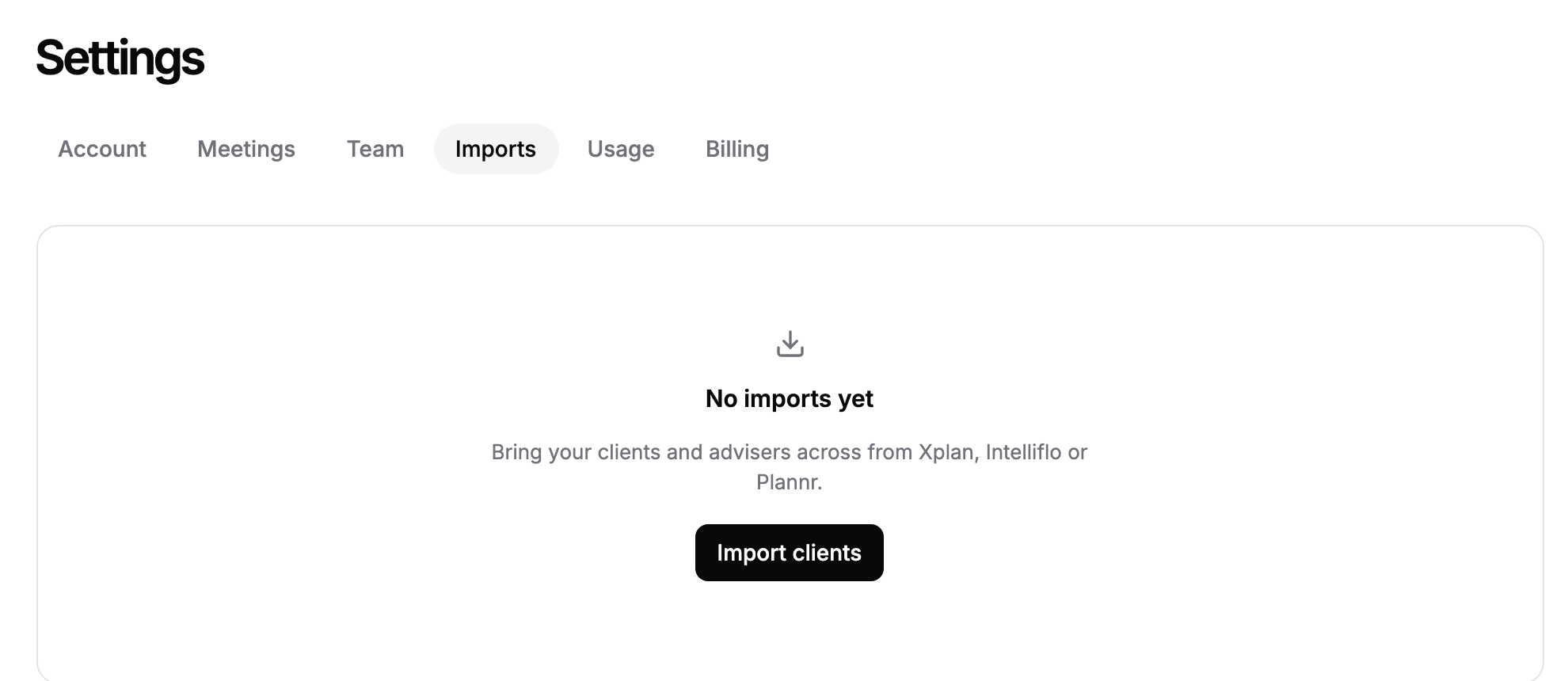
The Imports tab lists every import of advisers and clients your firm has run from Intelliflo Office, Iress Xplan or Plannr, and is where you start a new one. Each import opens its own page, where you review what comes across and follow its progress.
Where to find it
Click Settings in the sidebar, then the Imports tab, or go to https://app.templi.ai/settings/imports. The short address https://app.templi.ai/imports opens the same tab.
Start a new import:
https://app.templi.ai/imports/createOne import:
https://app.templi.ai/imports/<import>
Before you start
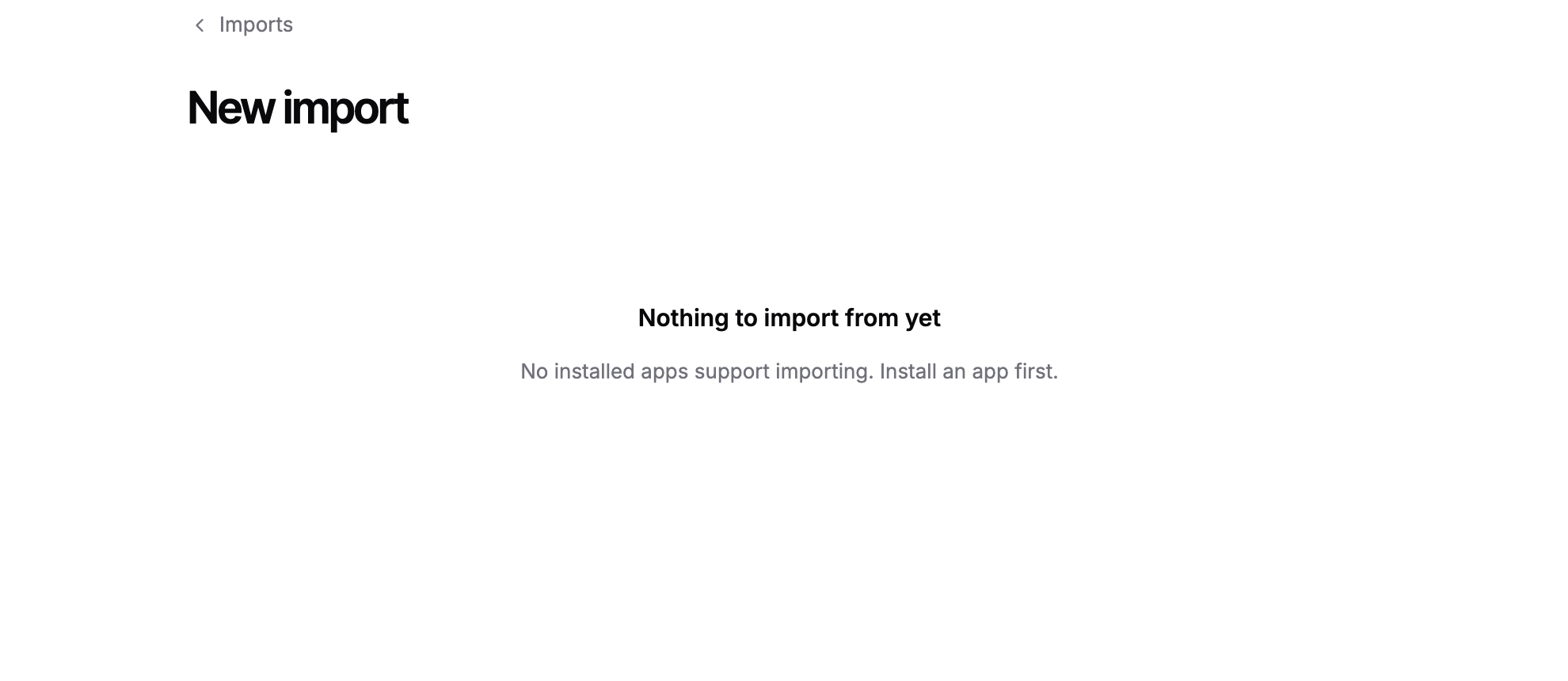
Connect your CRM first in Connectors. Only connected systems that support importing can be chosen, and a system waiting to be reconnected cannot start an import until you reconnect it.
Start an import
On the Imports tab, click New import. If your firm has never run an import, click Import clients instead.
On the New import page, click the system to import from.
Templi then reads your advisers and clients from that system and opens the import's page, where you decide which advisers to link and which clients to bring across. Nothing is written to Templi until you confirm. The review and confirm steps are covered in Import your clients.
The imports list
Each row shows the system, the status, advisers imported out of advisers found, clients imported out of clients found, and the date the import was created. Click a row to open that import.
Status | What it means |
|---|---|
Fetching | Templi is reading advisers and clients from the system. |
Pending review | Ready for you to review advisers and clients and confirm. |
Confirmed | You have confirmed and the import is about to run. |
In progress | Advisers and clients are coming across. |
Completed | Every selected record imported. |
Completed with errors | The import finished, but some records failed. Open the import to see each failed record and the reason. |
Failed | The import stopped. Open it and click Retry. |
Cancelled | Someone cancelled the import. Records already imported are kept. |
Client limits on your plan
Your plan may cap how many clients you can import from your CRM. When it does, the import's page shows how many more fit. If you select more new clients than fit, deselect some to start, or move to a bigger plan in Billing. Clients already in Templi can still be updated when you reach the limit.
Ask Templi
Ask Templi how to bring clients across and it answers from this help centre with the steps. For example:
How do I import Sarah Winters and the rest of my Intelliflo clients, with their pensions and ISAs?