

Plannr
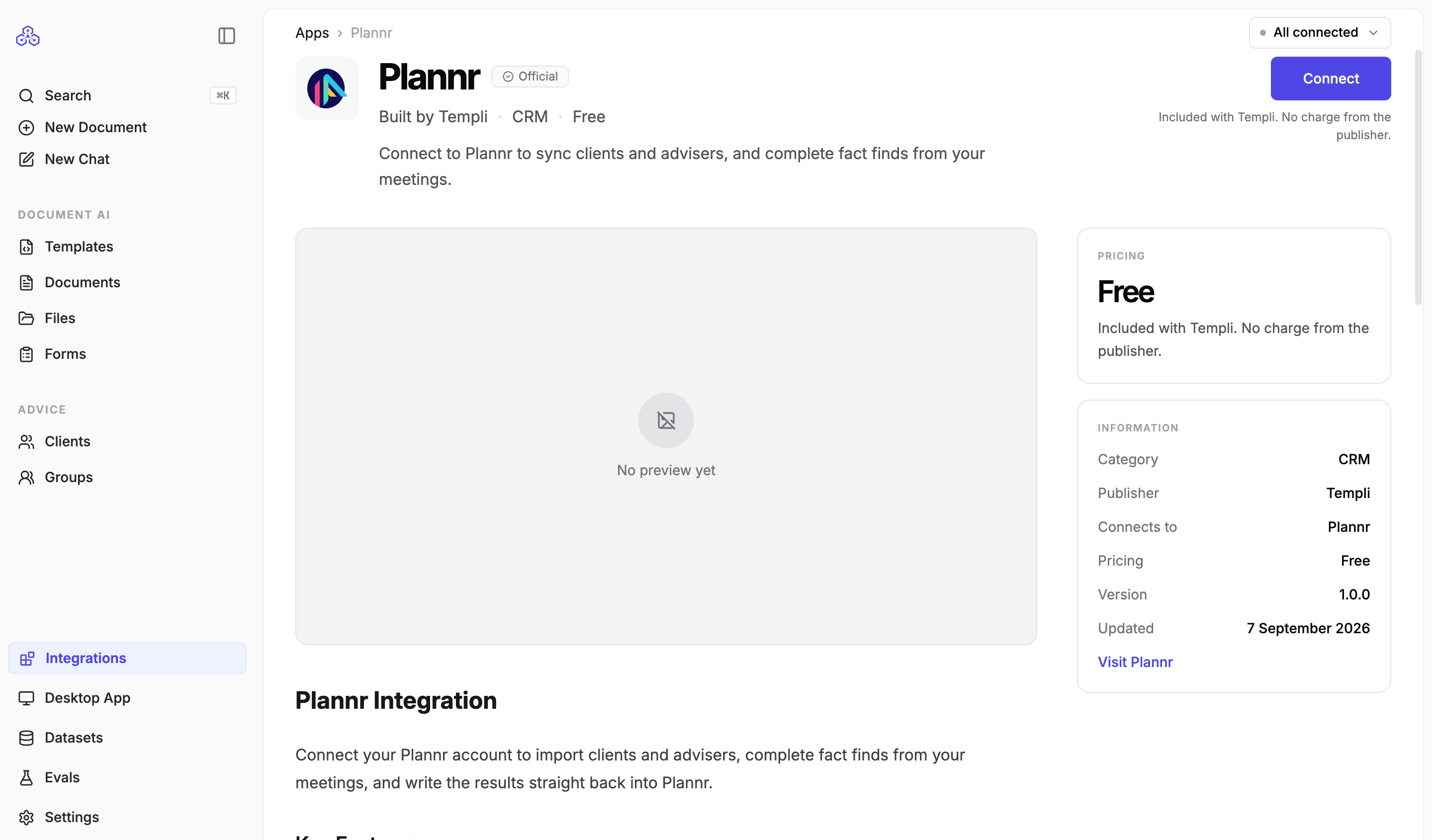
The Plannr app connects Templi to your Plannr firm. Once connected, you can import your advisers, clients and circles, have Templi fill the Plannr fact find from meetings and files, and export the completed fact find straight back to Plannr. There are no API keys to copy: the connection is made by signing in to Plannr.
What it does
Imports your book. Every adviser and client in your Plannr firm can be brought into Templi, and Plannr circles become Templi groups. See Import your clients.
Fills the fact find. Connecting creates a Plannr Fact Find template and makes it your firm's default. It covers personal details, contact details, addresses, health and lifestyle, employment, income, expenditure, dependants, goals, assets and liabilities, estate planning, state pension, vulnerability, marketing preferences and review dates.
Uses your configuration. Titles, nationalities, occupations and product providers come from Plannr's own lists.
Writes back. Exporting a completed fact find updates the Plannr client, creating the client first if needed.
Keeps plans in step. Plans import with the funds they hold and their latest value, and a plan you have corrected in Templi can be sent back to Plannr with its fund holdings. See Send a plan to your CRM.
Answers from Plannr. Ask Templi about a client and it reads their Plannr plans, risk assessments and documents directly.
Before you connect
You need a Plannr login for an active firm with write access.
If your login covers more than one firm, Templi connects to the most suitable active one, preferring an employee account with write permission on a subscribed firm, and skips any firm that has been deactivated or where your account is no longer active. Trial and sandbox firms can be connected.
You need an administrator login in Templi. The connection is shared by your whole firm.
Connect
In Templi, click Integrations, open Plannr and click Connect.
Review what the app will be able to do and click Authorise and connect.
Sign in to Plannr in the tab that opens and approve the connection.
The general steps, and what to do if the app later asks to be reconnected, are in Connect your back-office system.
What is read and what is written back
Fact find area | Imported from Plannr | Exported to Plannr |
|---|---|---|
Personal details, health and lifestyle, contact details, addresses | Yes | Yes |
Employment and income | Yes | Yes |
Expenditure | Yes, when your firm has expenditure categories set up in Plannr | Yes |
Dependants, goals | Yes | Yes |
Assets and liabilities | Yes, read from cash, investment, fixed asset, mortgage and loan plans | Yes, written as plans. A plan's type cannot be changed once created |
Circles | Yes, as Templi groups | No |
Risk assessments | Read when answering questions, not imported | No |
Pensions, protection and other plans | Yes, with their latest value | Yes |
Fund holdings | Yes, with ISIN, SEDOL and Citicode kept separate from the provider fund code | Yes, when the holding has units and a unit price |
Contributions | No, recorded in Templi only | No |
Documents | Read when drafting | No, Templi never uploads to Plannr |
Plans and fund holdings
Plannr takes a plan as a pension, investment, protection policy or mortgage. A plan left as Other has no Plannr equivalent, so set it to one of the four before sending.
One value per plan. Templi sends the most recent market valuation as the plan's current value. Older valuations, and any surrender or transfer figure, stay in Templi.
Type and status are set once. Plannr fixes both when it first creates the plan and will not take a change to either afterwards. Change them in Plannr itself.
Holdings go to the plan's main account and carry the ISIN, SEDOL, Citicode and the provider's own fund code.
Contributions stay in Templi. There is nowhere on the Plannr plan record to put what is being paid in.
Plannr works out what a holding is worth from its units and its unit price, so a holding carrying only one of the two, or neither, is reported back to you rather than sent.
Update a plan through chat
Ask Templi on the client's record. It changes the plan in Templi first, then asks you to approve the send.
Add a fund and send it
Add Royal London Sustainable World Trust to James's ISA, 2,150 units at £3.94, SEDOL B882H24, then send the plan to Plannr.
Plannr records the fund on the plan's main account and works its value out from the units and the price.
Correct a plan and send it
The policy number on James's ISA is wrong, it should be PLN-88213. Correct it and send the plan to Plannr.
The approval request shows the old and the new policy number, alongside anything else that has changed since the plan last went across.
Ask what will be sent
If I send James's ISA to Plannr now, what will Plannr take and what stays in Templi?
Templi reads the plan and answers before anything is sent.
Limits to know about
Client type is not provided by Plannr, so every imported client starts as an individual. Change trusts and businesses in Templi after the import.
Only circles become groups. Plannr does not provide spouse, parent or trustee relationships, so those are not created.
Phone numbers must be real numbers in UK or international format, because Plannr validates them on the way back.
Re-importing a client refreshes their details but leaves their adviser assignment in Templi alone.
A fund's asset class is usually blank. Plannr does not state what a fund is invested in, so Templi does not guess a sector from the fund name.