

Account settings
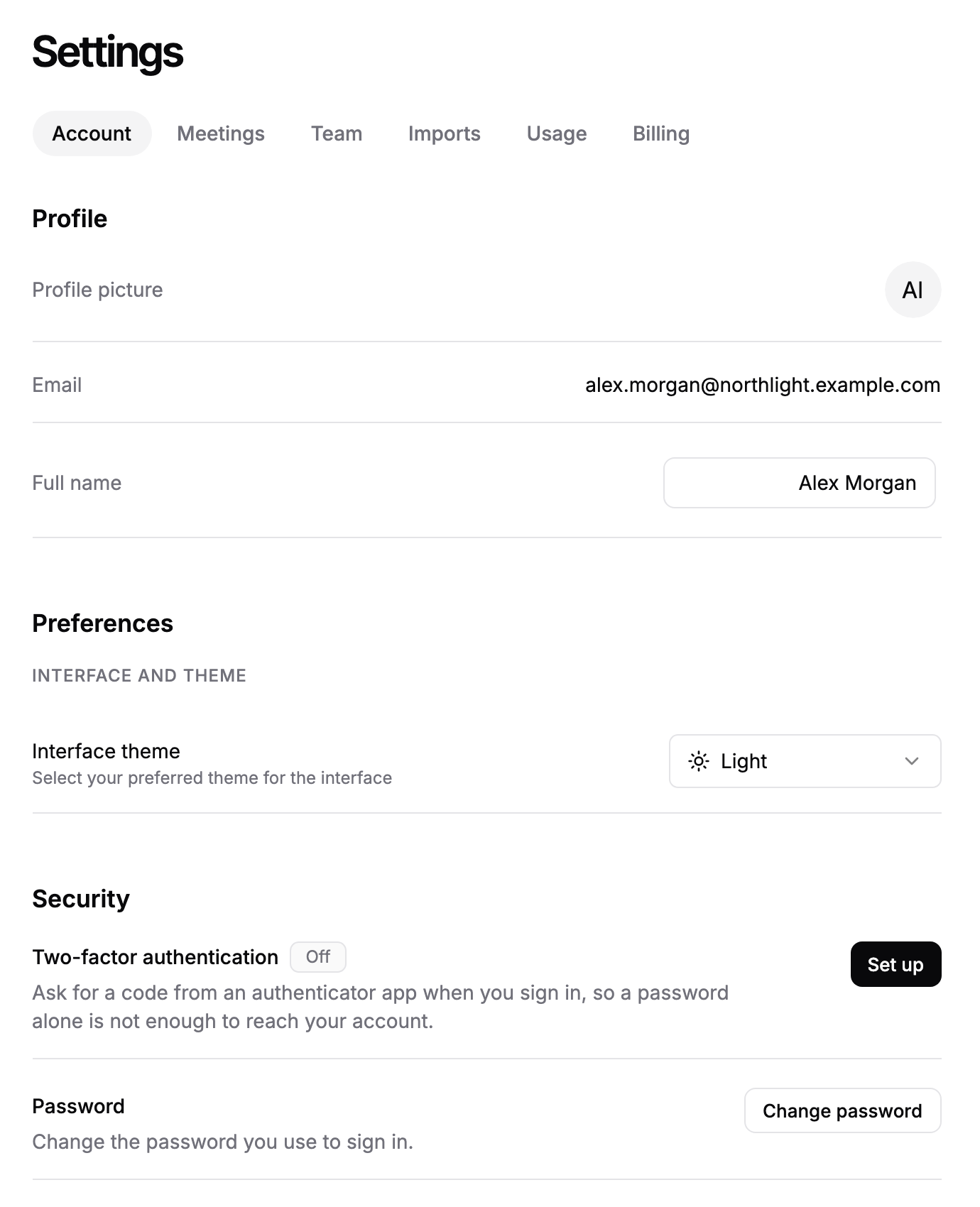
Account settings hold your own details: your name and profile picture, the interface theme, your password and two-factor authentication. Changes here affect only your login, not the rest of your firm.
Where to find it
Click Settings in the sidebar, then the Account tab, or go to https://app.templi.ai/settings/account. The page has three sections: Profile, Preferences and Security. The older addresses /settings/profile, /settings/preferences and /settings/security also open this page.
Profile
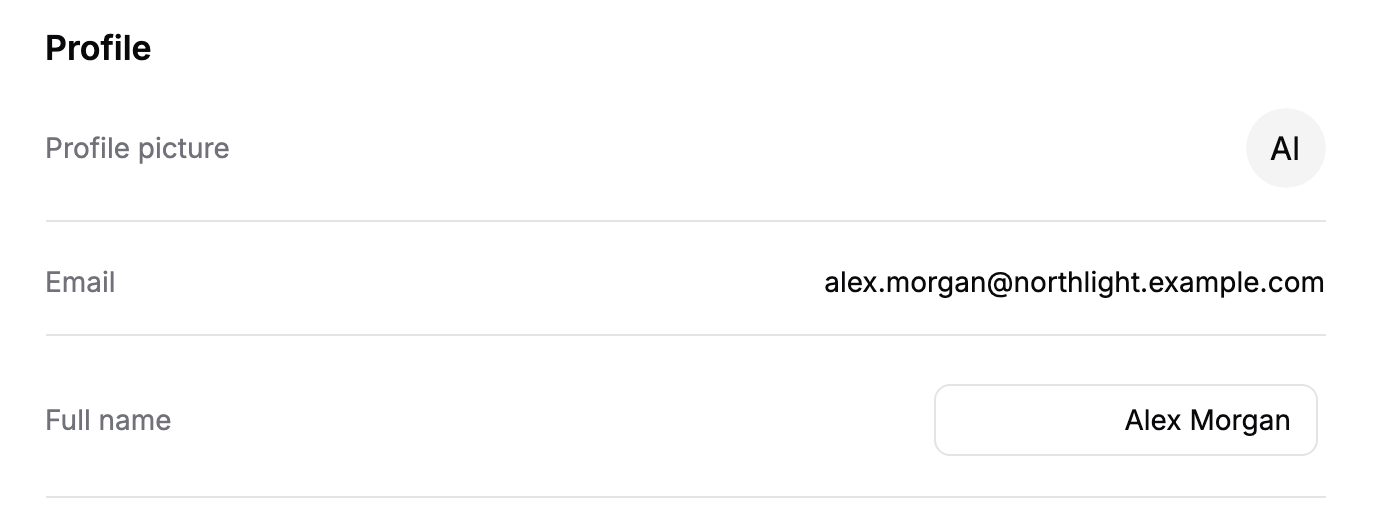
The Profile section shows your profile picture, your email address and your full name. Your name is what your team sees in Settings > Team.
Change your name
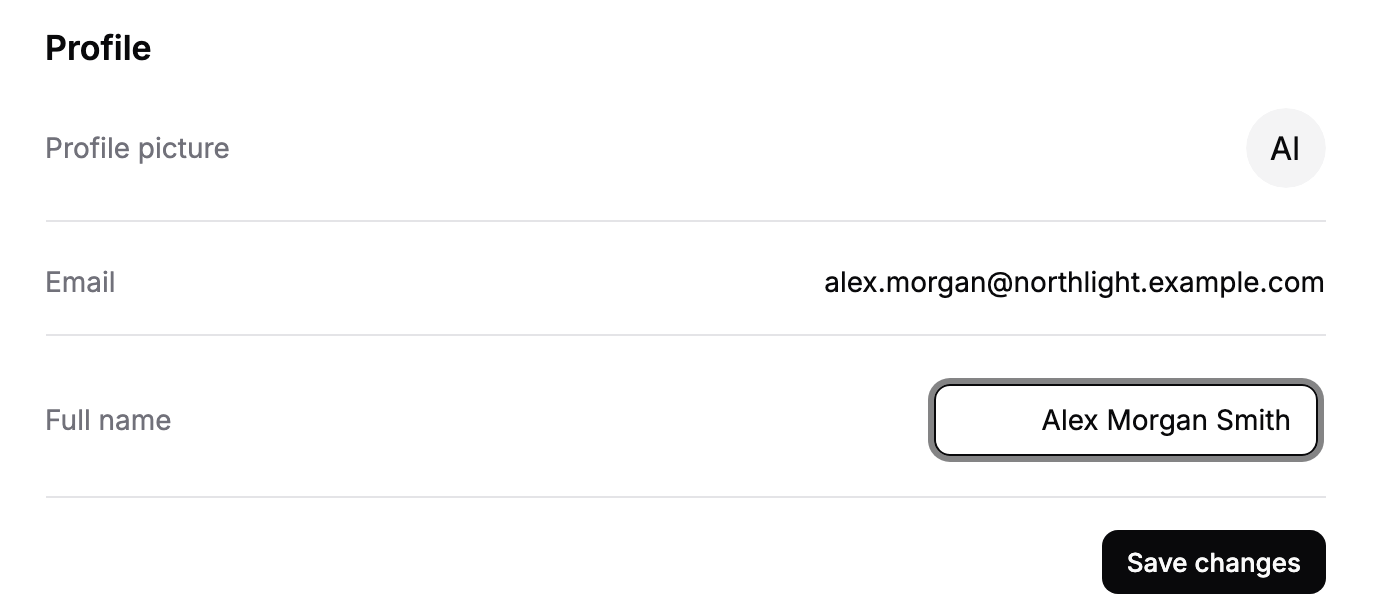
In the Profile section, edit Full name.
Click Save changes.
A name cannot be blank. Save changes appears only once you have edited the name.
Change your profile picture
In the Profile section, click your picture next to Profile picture.
Choose an image file. It saves straight away.
Your email address is shown for reference and cannot be edited here.
Preferences
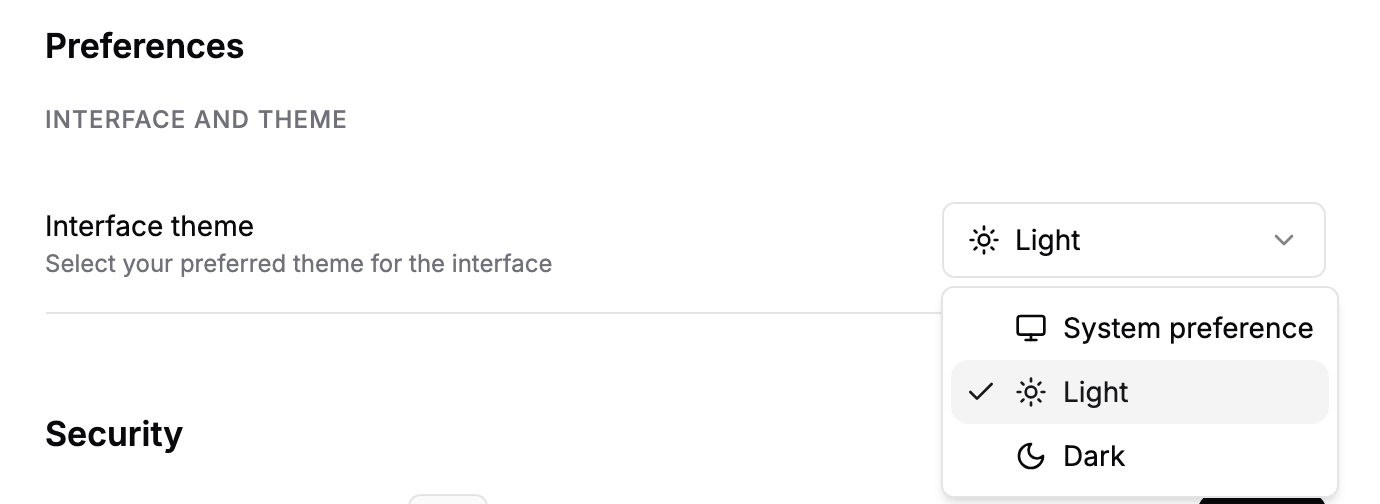
The Preferences section sets how Templi looks for you in this browser. Under Interface theme, choose System preference to follow your computer's light or dark setting, or pick Light or Dark.
Security
The Security section is where you manage how you sign in.
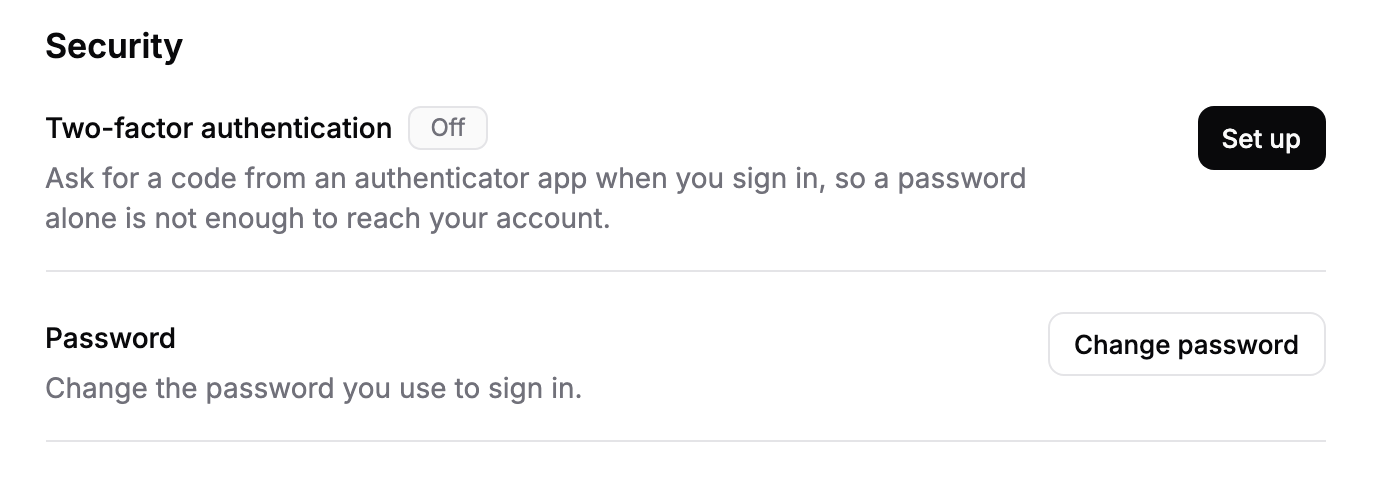
Two-factor authentication shows On or Off, with Set up when it is off, and Change device and Turn off when it is on.
Backup codes appears once two-factor authentication is on. Click View codes to see or generate them.
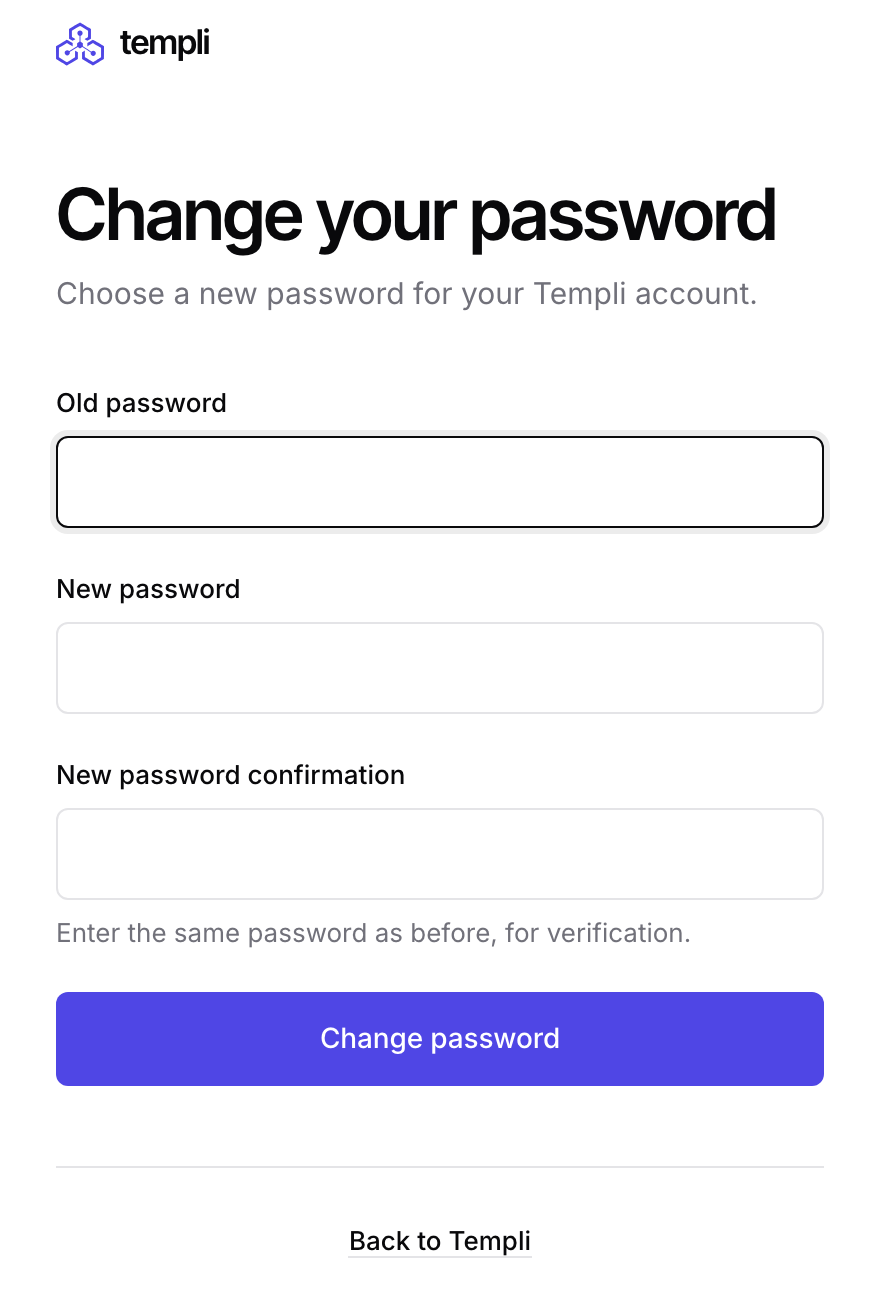
Password has a Change password button, which opens a page where you enter your current password and choose a new one.
Setting up, changing and turning off two-factor authentication are covered step by step in Two-factor authentication.
Calendar
Your calendar connection is not part of Account. Connect Google Calendar or Outlook Calendar in Settings > Meetings at https://app.templi.ai/settings/meetings, or from Connectors.
Ask Templi
Ask Templi where a setting lives and it answers from this help centre with the page to open. For example:
Where do I change my password and turn on two-factor authentication?