

Review a report
Every report Templi writes from a Word template waits for you to review it. Check each block, tell Templi what is wrong in plain words, and sign the report off when it is ready to send.
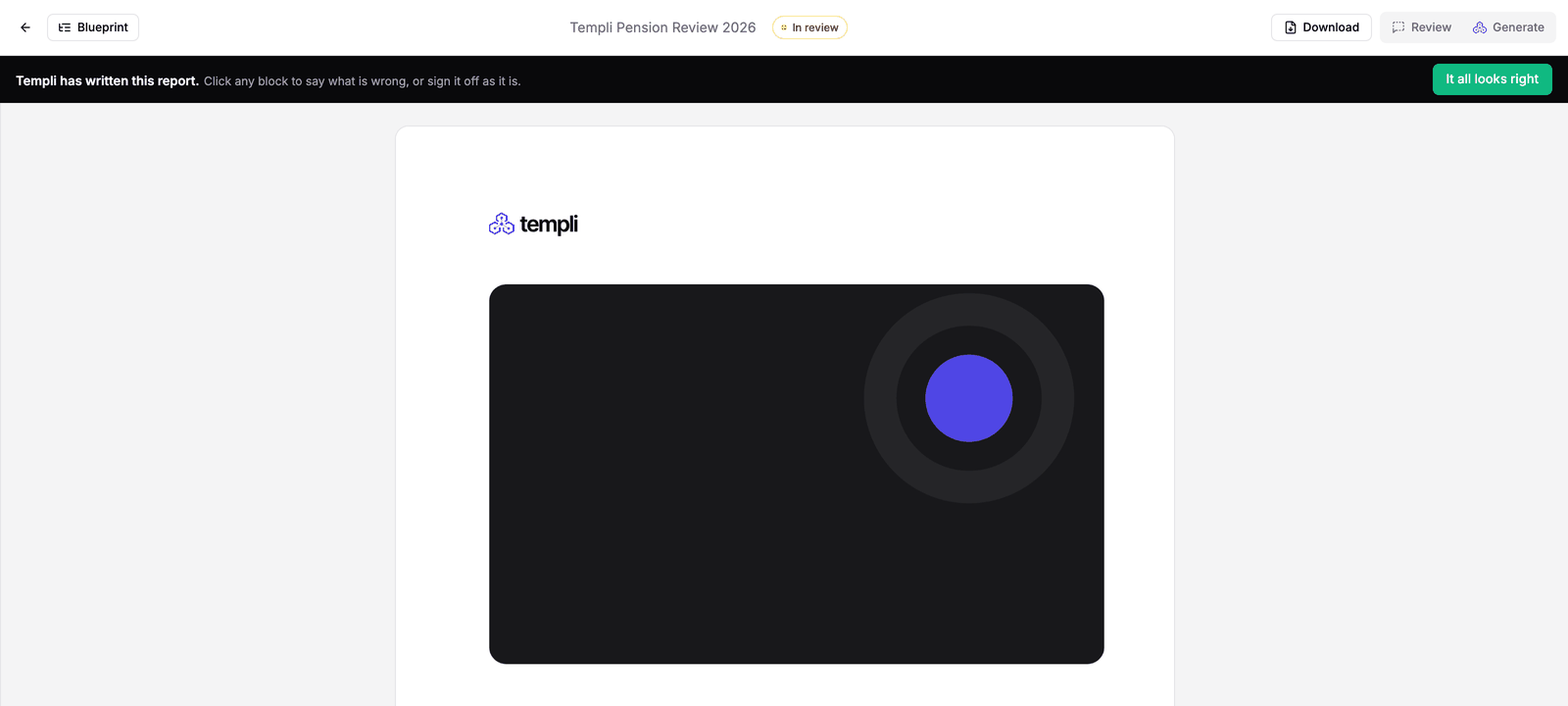
When Templi finishes writing, the report is marked In review and a bar across the top asks you to click any block that is wrong, or sign the report off as it is.
Check a block
Click any block to see what Templi wrote and the data it used, such as the provider statement a name or value came from.
Click the block on the page, or its row in the Blueprint.
Read the source Templi used under Data I used.
Use the thumbs up if it is right. If it is not, type what is wrong in the box, for example "Use her married name, Winters, not Hughes."
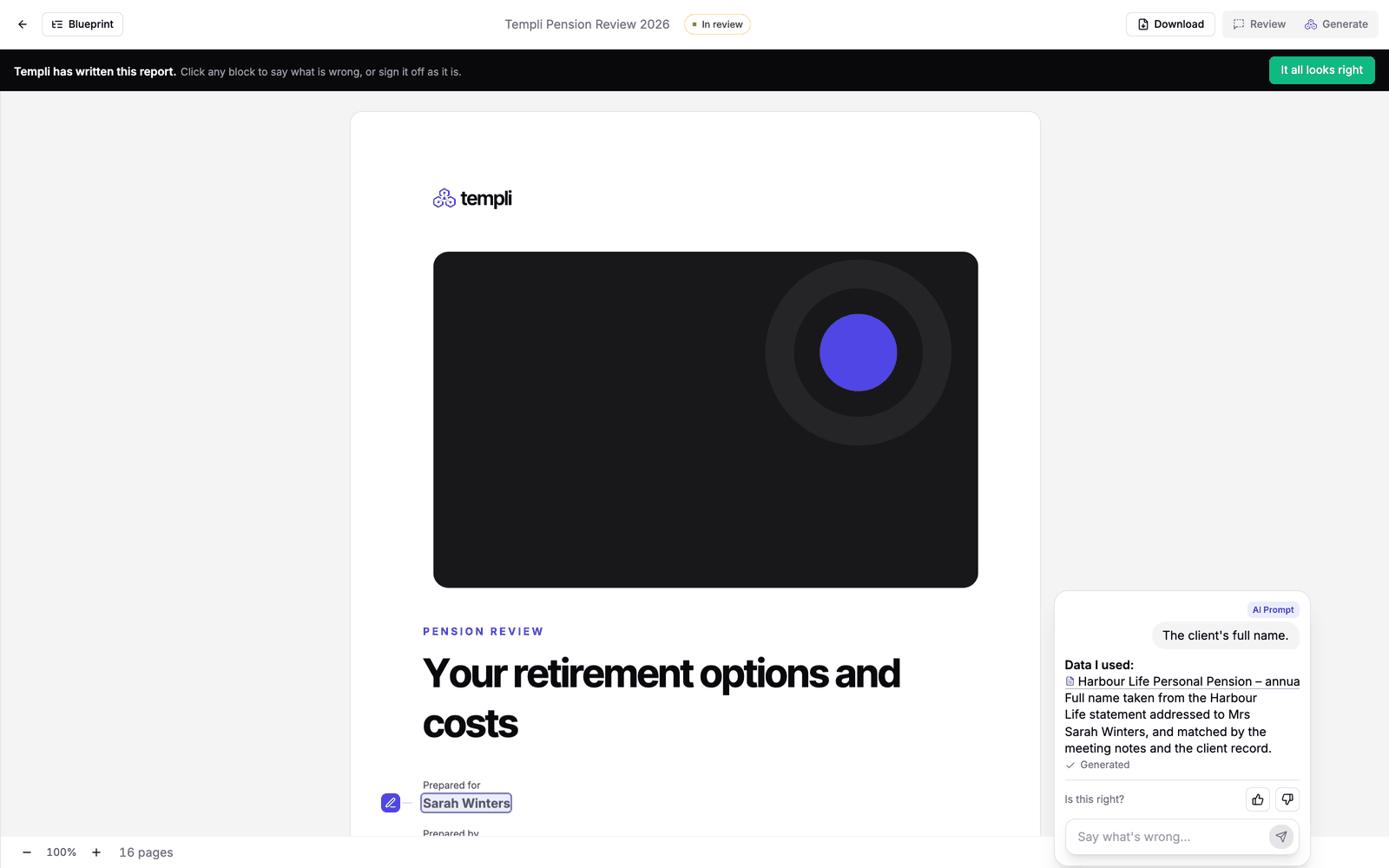
Your notes collect as you go. Click Send at the top to hand them all to Templi at once. Templi works through them and updates the report. Each note is also saved as a Word comment on its block, so the downloaded file keeps a record of the review.
Fill in missing blocks
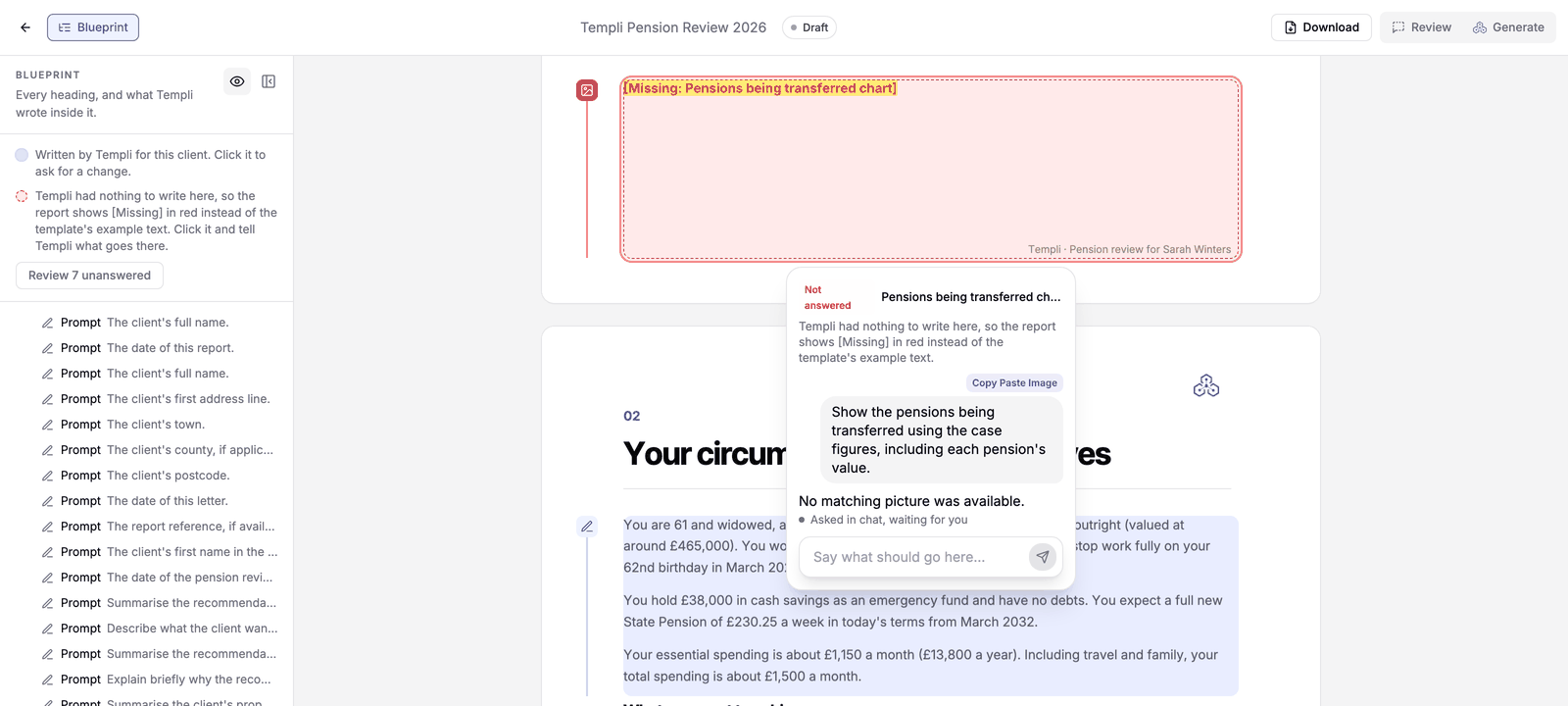
When Templi has nothing in the client's files to write a block from, it does not guess. The block shows [Missing] in red and is marked Not answered in the Blueprint.
Click Review unanswered at the top of the Blueprint to go through them one by one.
Type what should go there, or attach the file that holds the answer and ask Templi to use it.
If a section keeps coming out as missing for clients it does not apply to, the template needs a hide rule for it. Tell Templi, for example "Leave out the cashflow section when there is no cashflow projection on file", and it can fix the template so the next report gets it right.
Sign off and download
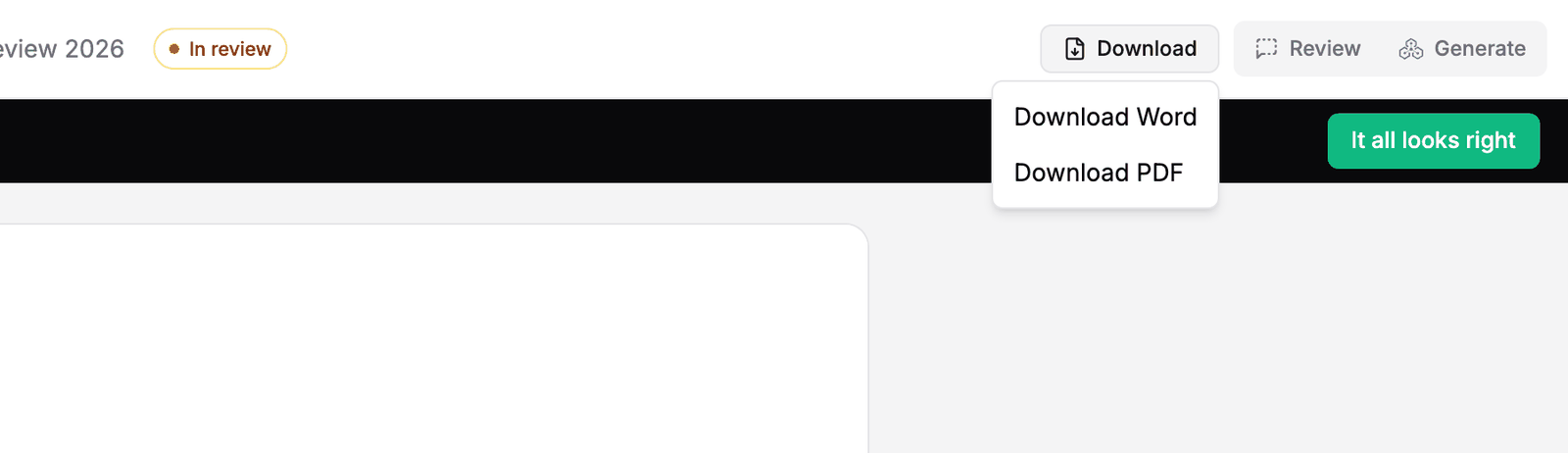
When the report is right, click It all looks right. The report is signed off and ready to send.
Click Download and choose Download Word or Download PDF.
Change the report by asking Templi
Select any text on the page to ask Templi about it, or open the chat beside the report. For example:
"Shorten the summary of advice to three sentences."
"The ongoing charge for Harbour Life is 1.15%, update the existing plans table."
"Add a paragraph about the tax-free cash she plans to take next year."