Tuning
Tuning tests a Word template on a past case before you rely on it. Templi writes a test report from a real client's files, you say what is wrong with it, and Templi fixes the template. You repeat until a test needs no changes.
Tuning works on Word templates. Pick a client whose file is complete enough to write a real report, ideally one where you already sent the report yourself, so you can compare the two.
Start tuning
Open the template and click Test on a past case.
Under Client, click Choose a client.
Under Files, click Add files and add the fact find, valuations or meeting notes Templi should work from.
Click Start the first test.
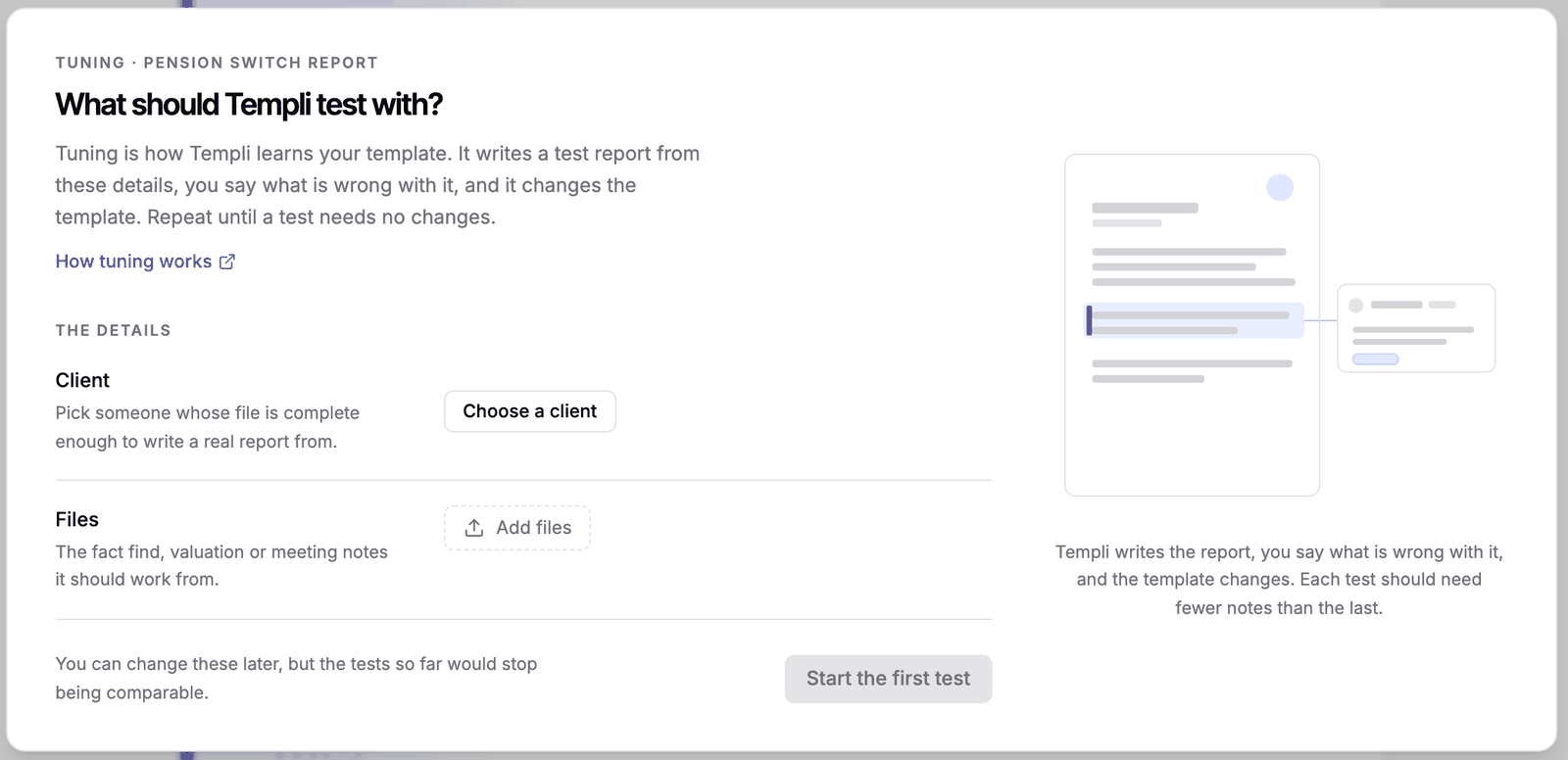
Keep the same client and files for every test. If you change them later, the tests so far stop being comparable.
Check each test
Each test goes round the same loop: Templi writes a test, you check it, and Templi fixes the template.
When the test is written, click Begin review and read it as if it were going to the client.
Click any block that is wrong and say why. Red blocks are ones Templi had nothing to write for.
Send your notes. Templi changes the template from them.
Click Run test to check Templi's changes against the same client and files.
If Templi has a question before it can write the test, answer it in the card or in the chat so it can carry on. It only asks when the files do not settle something.
When a test needs no changes, click It all looks right. Templi publishes the template, so your team can generate from it for every client. Click End tuning to stop at any point and keep the changes made so far.
Untested templates
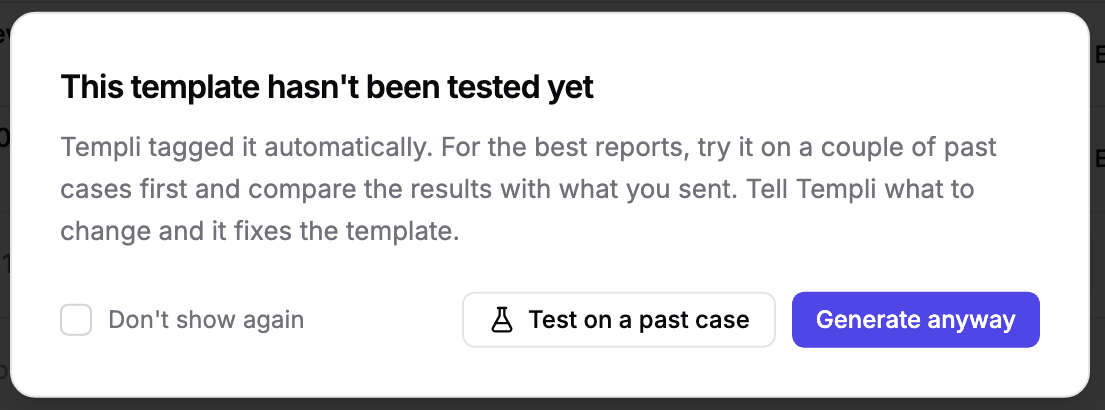
The Templates page shows Not tested yet or how many past cases a template has been tested on. If you generate from a template that has never been tested, Templi suggests a test first. Click Test on a past case to start tuning, or Generate anyway.