

Fact find dashboard widgets
Three dashboard widgets show how complete your fact finds are. Fact find coverage goes on your home dashboard and shows your whole client book. Fact find completeness and Fact find field go on a client's dashboard. Add them with Add widget while editing a dashboard; Dashboards covers how.
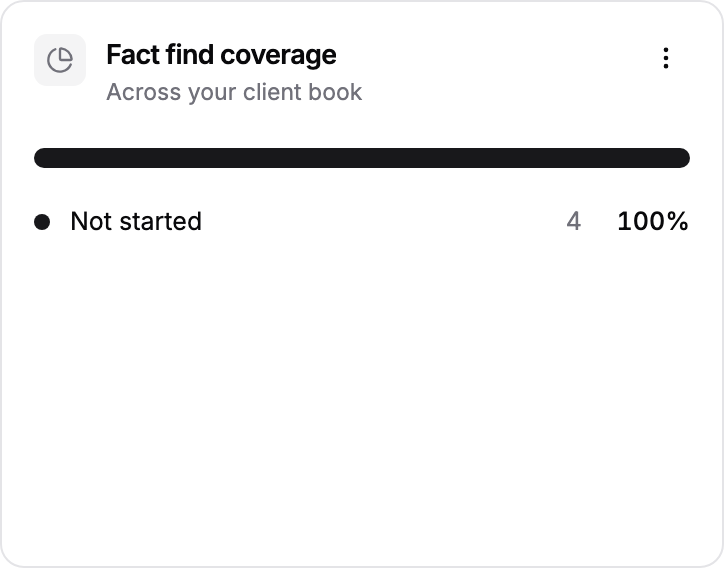
Fact find coverage
A bar splitting your clients into Completed, Needs review, In progress and Not started, with the number and share in each. Use it to see how much of your book has a usable fact find before a review season. It looks at your 200 most recently added clients. Available on the home dashboard.
Fact find completeness
A progress bar for each section of the client's fact find, showing how many questions are answered, so you can see what is still missing before a report can be evidenced. If the client has no fact find yet, click Go to fact find to start one, or let Templi fill it. Available on client dashboards.
Fact find field
Shows a single answer from the client's fact find, such as attitude to risk or planned retirement age, without opening the fact find. In Add widget, each fact find section has its own group; pick the answers you want from there.
Fact find fields work best inside a Card. For example, add a card called Retirement planning and put the client's retirement age, attitude to risk and target income inside it. Available on client dashboards.